A switch group allows users to toggle between two states, such as on or off. The section displays each switch as a toggle button. This component helps organize toggle options in a clear and interactive layout.
Example
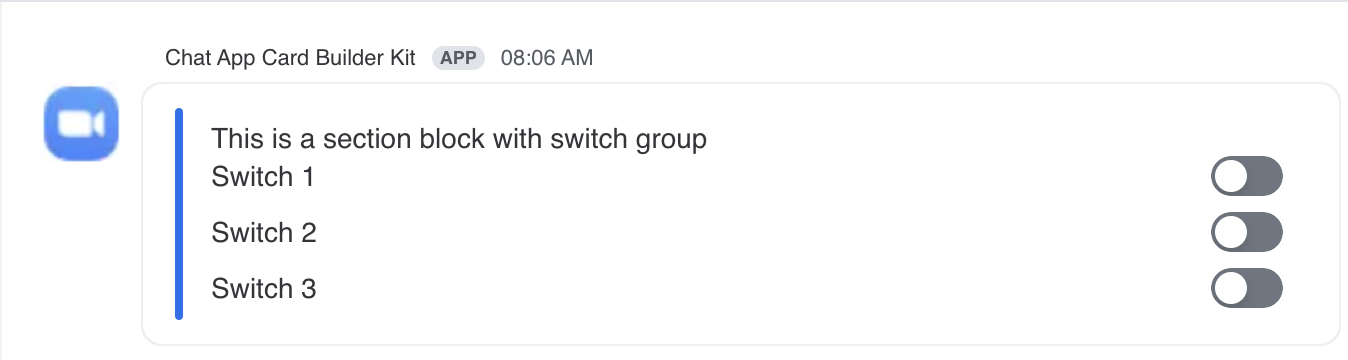
JSON example
{
  "content": {
    "settings": {},
    "body": [
      {
        "type": "checkboxes",
        "options": [
          {
            "text": "Switch 1",
            "value": "value1",
            "initial_selected": true
          },
          {
            "text": "Switch 2",
            "value": "value2"
          },
          {
            "text": "Switch 3",
            "value": "value3"
          }
        ],
        "action_id": "switch_action",
        "style": "toggle_switch"
      }
    ]
  }
}