Multiple images show several images in one section. It arranges the images in a structured layout for easy comparison or visual storytelling. This component enhances the card's visual appeal and content.
Example
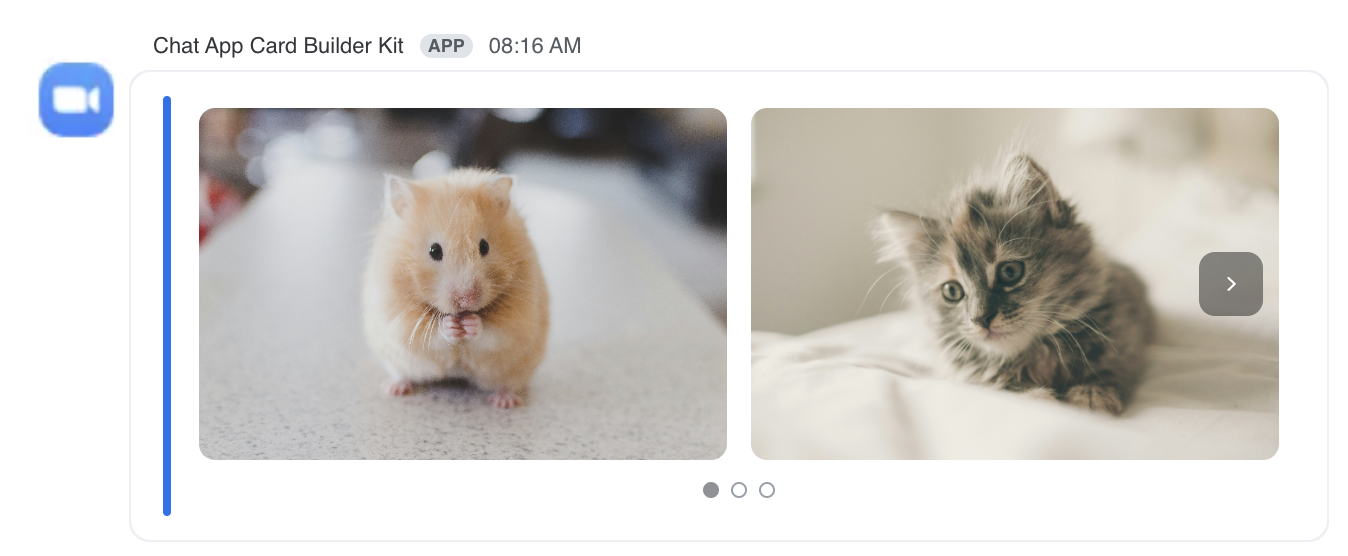
JSON example
{
  "content": {
    "settings": {},
    "body": [
      {
        "type": "image",
        "cur_index": 0,
        "images": [
          {
            "image_url": "https://images.unsplash.com/photo-1425082661705-1834bfd09dca",
            "alt_text": "img01",
            "image_index": 0
          },
          {
            "image_url": "https://images.unsplash.com/photo-1445499348736-29b6cdfc03b9",
            "alt_text": "img02",
            "image_index": 1
          },
          {
            "image_url": "https://images.unsplash.com/photo-1490718687940-0ecadf414600",
            "alt_text": "img03",
            "image_index": 2
          }
        ]
      }
    ]
  }
}