Zoom Video SDK
Learn more about migrating from Twilio Video to the Zoom Video SDK.
Build with AI
Speed up development by using your coding agent to build on Zoom. See Announcing Agent Skills and get the skills on GitHub.
The Video SDK provides video, audio, screen sharing, chat, data streams, and more, as a service. You can build with all of these features, or pick and choose. The Video SDK also comes with a full set of server side APIs and webhooks.
Developer journey
The journey to building a world-class video application with the Zoom Video SDK is designed to be seamless, from initial account setup to global deployment. Our platform provides the tools and infrastructure needed to support your app throughout its entire lifecycle, ensuring you can focus on creating the best experience for your users.
By following this path, you can move quickly from concept to a production-ready application. Whether you are building for native platforms or the web, the Zoom Build platform offers integrated analytics and management tools to help you scale and maintain your solution effectively.
The following steps outline the end-to-end path for a typical Video SDK integration:
- Account setup: Create a Build platform account and sign in to get started.
- SDK selection: Download the SDK for your preferred platform (e.g., Android, iOS, or other platform) Or install for web.
- Development: Implement core features such as high-quality video, audio, and chat, then thoroughly test your implementation.
- Launch: Deliver your application to users. Upload native apps to stores or host your web application online.
- Usage tracking: Monitor user downloads and engagement to understand your app's reach.
- Performance monitoring: Track key metrics using the Build Platform Dashboard and APIs.
- Maintenance: Ensure long-term reliability by upgrading your implementation according to our minimum version policy.
- Team collaboration: Use account management tools to invite team members to help manage your Zoom developer account.
Platforms
Features
Video SDK includes the following features.
| Video & Audio | Sharing | Tools | And more |
|---|---|---|---|
| HD video | Screen sharing | Send & receive raw data | Chat |
| Virtual background | Share computer audio | Service quality metrics | PSTN |
| Display 49 user videos on native, 25 on web | Share second camera | REST APIs | Subsessions |
| Audio & video preview | File transfer | Webhooks | Command Channel |
| Individual audio and volume control | Live streaming | Live Transcription and Translation | |
| Background noise suppression | Cloud recording |
See the Video SDK fact sheet for more.
Minimum version requirement
We enforce a required minimum version of the Video SDK. See SDK Minimum Version policy for details.
Session-based
A Video SDK session connects two or more users for realtime, two-way communication. Zoom creates sessions on demand; they don't need to be scheduled. You can run an unlimited amount of sessions concurrently. Up to 5,000 users can join a session. A user can be in one session per browser tab at a time.
Sessions can be live streamed via Real-Time Messaging Protocol (RTMP) to an unlimited view-only audience.
UI Toolkit
The Video SDK UI Toolkit is a prebuilt video chat user interface powered by the Zoom Video SDK. With the UI Toolkit, you can instantly start using a core set of Video SDK features to build and scale your video solution. Choose a platform and start building now.
UI Toolkit sample apps
Access to raw data
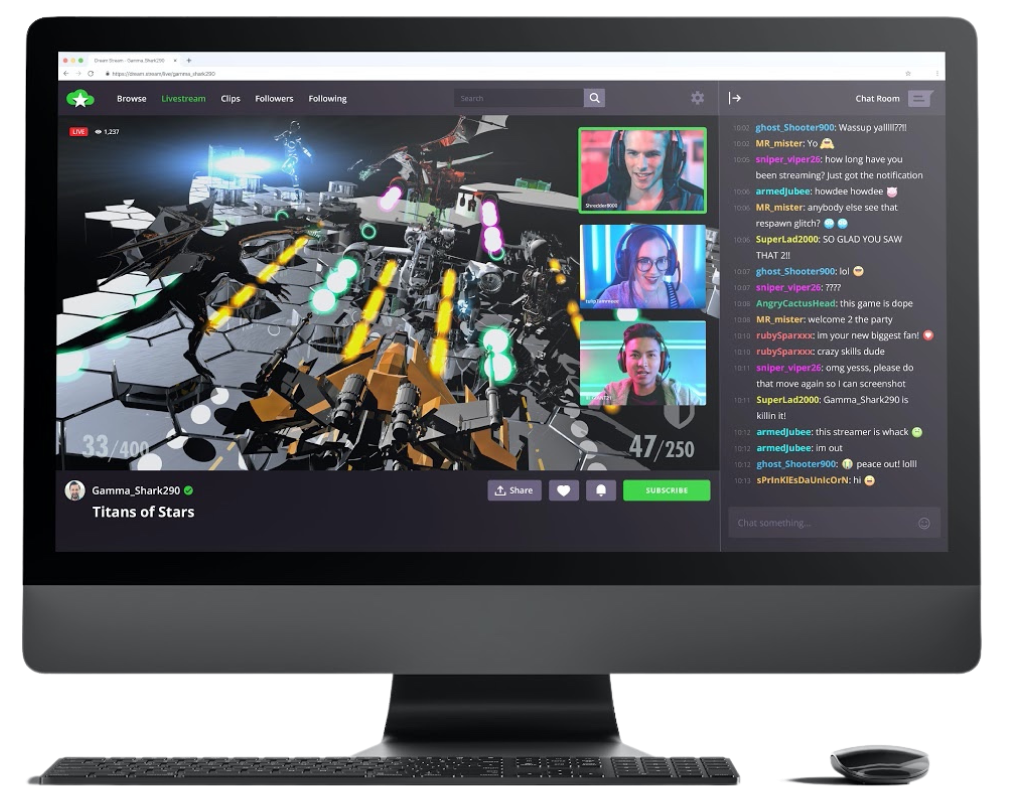
Direct access to raw video and audio data on native platforms enables improved interaction between users and the app video stream. Imagine a gaming video streaming app with direct interaction between the player and viewers based on in-game events or prompts from the community. Or an augmented reality (AR) streaming platform with direct viewer access to on-screen video. Raw data is also useful for building custom live transcription, and video or audio analysis.
Firewall rules for Video SDK
The Video SDK uses the same global infrastructure as other Zoom products. If you experience connection issues, be sure your products follow the firewall rules for Zoom Meetings and Webinars. See the following for details:
- Firewall rules for Zoom Meetings and Webinars
- Zoom Connection Process
- Network Firewall Settings for CRC and Enhanced API Connector
See Video SDK Plans & Pricing for Developer for pricing.