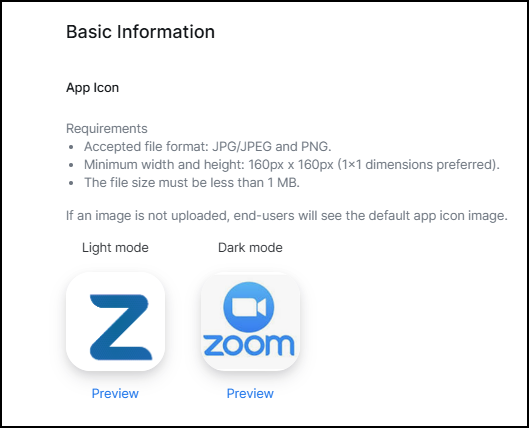
App icon
The app icon is the image that represents your app on the Marketplace. Provide an 160 x 160 pixel sized image for your icon.
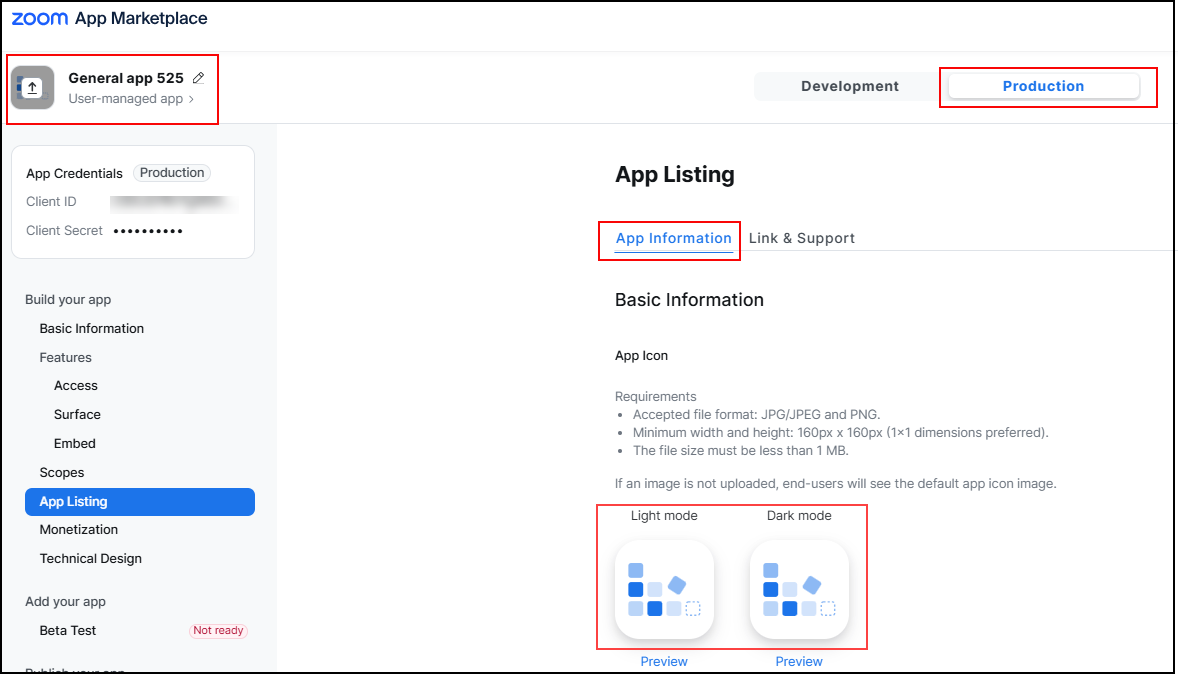
On the App Listing page, you can update the image file by clicking:
- the icon next to the app name.
- the icon for either Light mode or Dark mode.
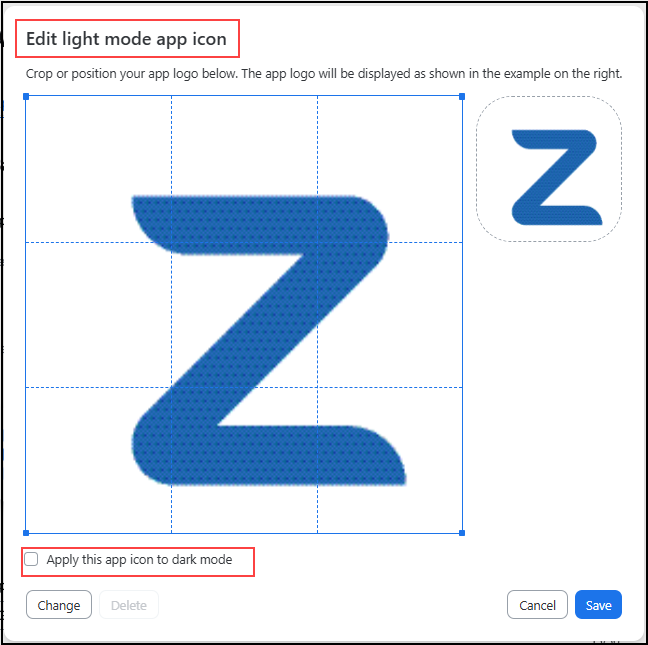
In the edit screen, you can crop the image you've uploaded, upload another image (Change), and apply the icon to dark or light mode.
This example shows separate images were chosen for light and dark modes.