Launching the RTMS SDK for Node.js and Python
After collaborating with customers and developers on early versions, I'm excited to release v1.0 of the official Node.js and Python SDKs for Zoom Realtime Media Streams (RTMS). The RTMS SDK simplifies the connections AI & ML apps make to real-time content across the Zoom platform, including Meetings, Webinars, & Video SDK and Contact Center & Phone coming soon.
Agent context, made easy
RTMS gives your application access to live per-participant audio, video, transcripts, screen share, and participant events across Meetings, Webinars, and Video SDK sessions. This is the context that makes AI apps genuinely useful in the workflows where decisions happen.
Full ownership of this media pipeline means full control over your implementation, but it also means your client needs to manage WebSocket connections, stream lifecycle, authentication, and media processing. That's a lot of infrastructure before you write a single line of application logic.
The SDK takes that off your plate. It manages WebSocket lifecycle and reconnection, HMAC signature computation, webhook endpoint validation, stream state machines, and media format negotiation.
Audio and video decoding runs through native C++ bindings for performance. This gives a callback-driven API where you register handlers for the events you care about and focus on application logic.
Get started
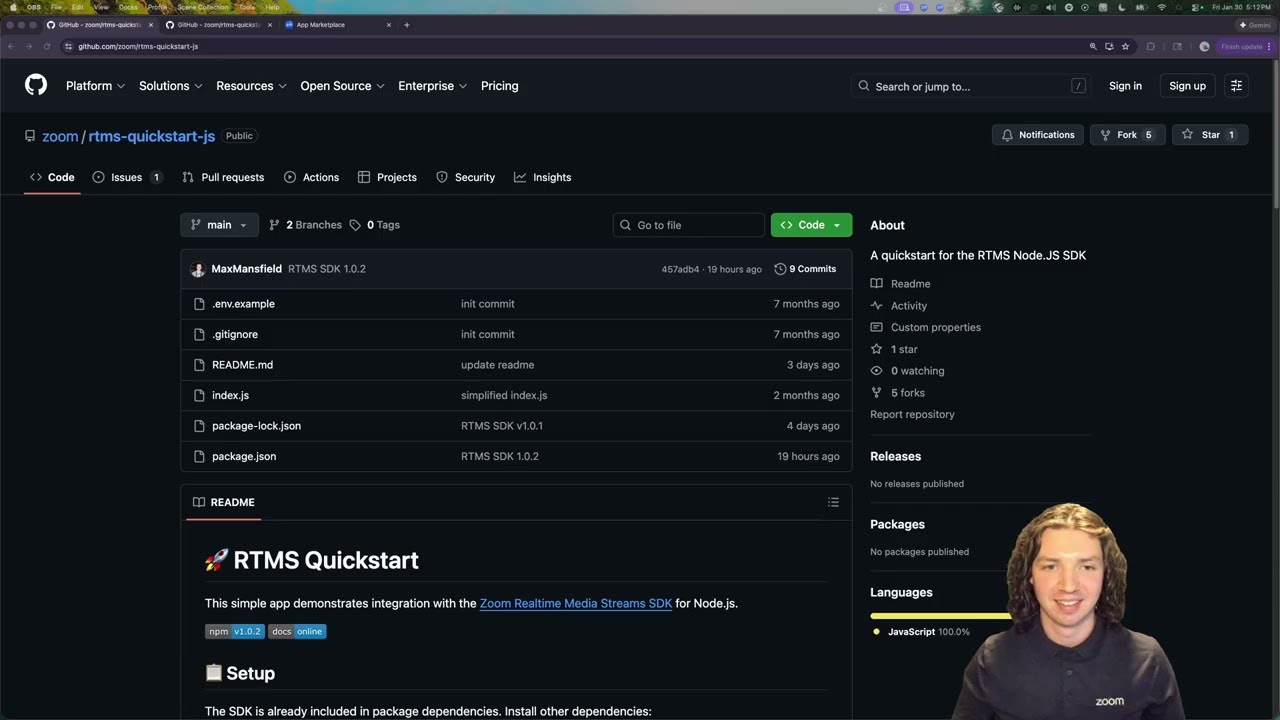
Clone a quickstart, point ngrok at your local server, configure your Zoom app's webhook endpoint, and start a test meeting. You'll see live transcripts streaming through your terminal.
- rtms-quickstart-js is the Node.js quickstart with webhook handling and transcript output.
- rtms-quickstart-py is the Python equivalent with the same lifecycle.
From there, think about what becomes possible when you have real-time access to meeting content. The SDK handles the infrastructure so you can focus on the application.
File issues, ask questions, and request features at github.com/zoom/rtms/issues.
To see just how easy it is to get started with RTMS, check out our post on accessing meeting transcripts with the SDK:
- Get Zoom transcripts in 5 lines of code by Michael Harrington - 07-23-2025
Resources: