Zoom Meeting SDK for web
Meeting SDK usage policy
The Meeting SDK is reserved for human use cases and does not support bots or AI notetakers. To build an AI notetaker application or access realtime media, use Zoom RTMS (Real-time media streams).
The Zoom Meeting SDK for web lets you embed the Zoom Meeting and Zoom Webinar experiences on a webpage through a highly optimized WebAssembly module. The SDK supports Angular, React, Vue.js, and other JS frameworks.
The SDK strives for feature parity with the Zoom web client, however, some features may not be available. See features supported by web browser for details.
Embed the Meeting SDK
Embed Zoom on your website using a client view that displays the SDK using the full web page or a component view that splits the client into multiple components that you can position on the page. Or embed the Meeting SDK for web in an iFrame on a webpage and in WebViews on native Android and iOS apps.
Client view
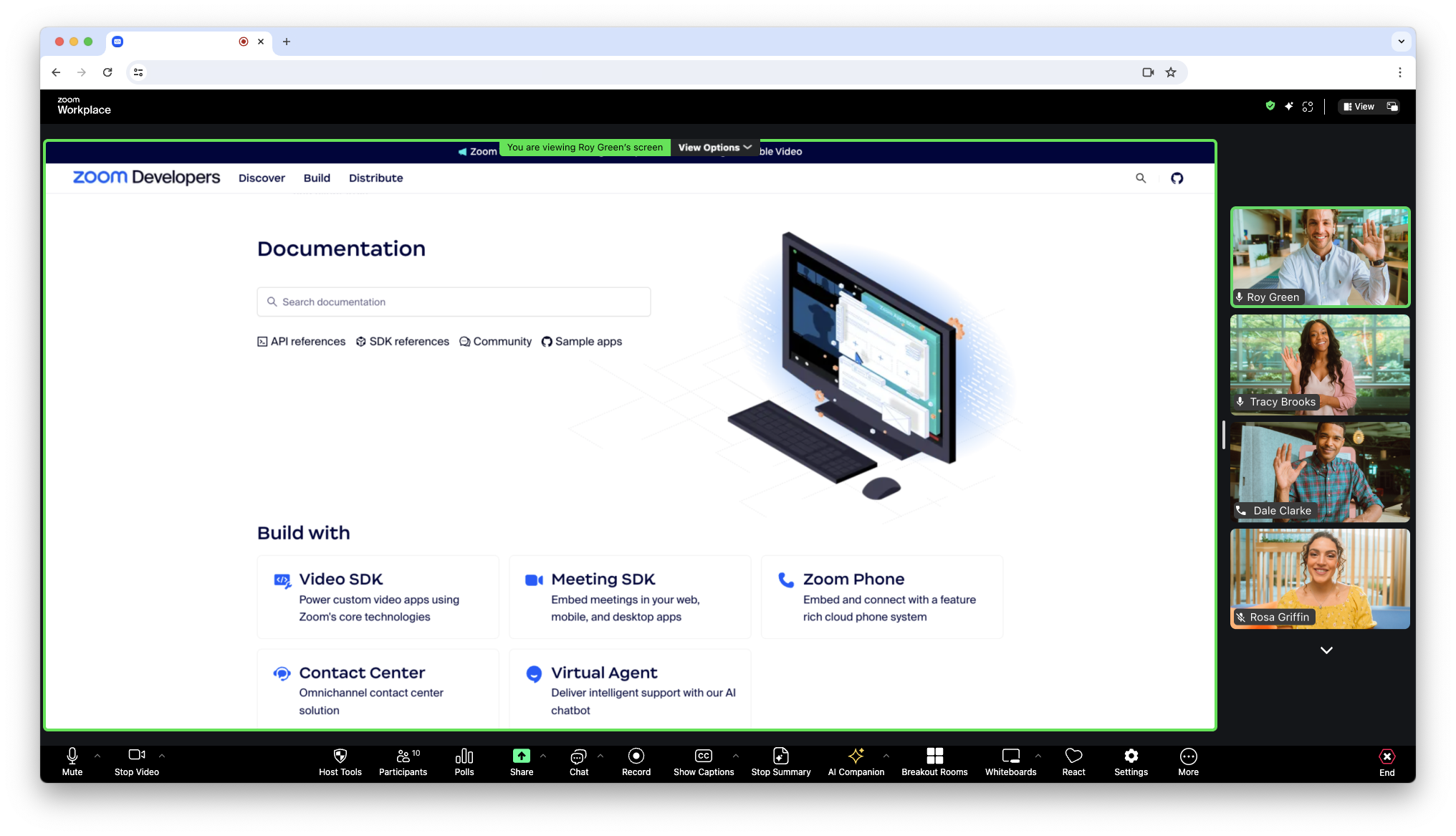
Client view provides the option to display the Meeting SDK for web as a full page. This allows for a familiar Zoom experience as the client view is similar to the Zoom web client, except it lives inside your own web page.


Component view
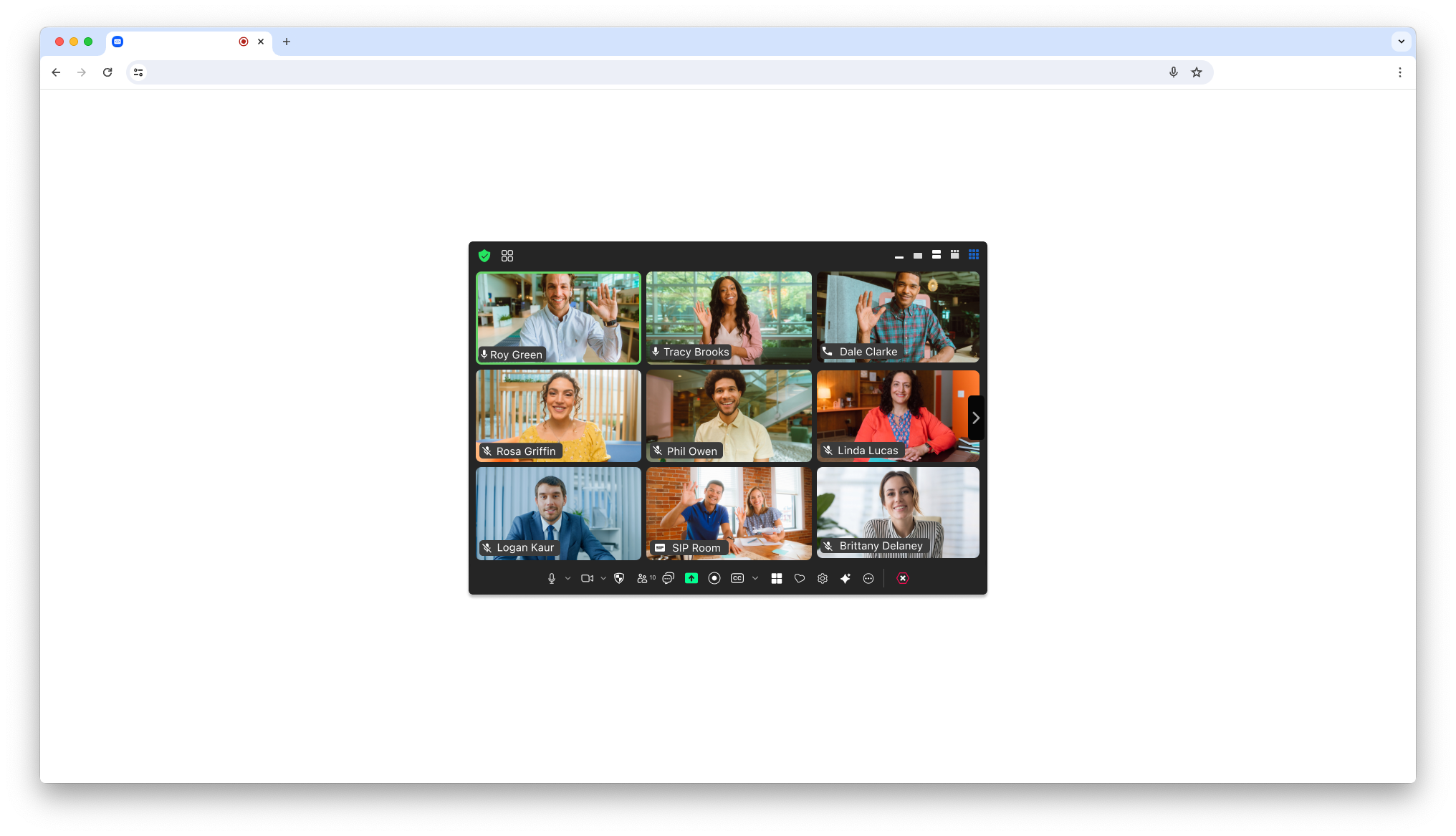
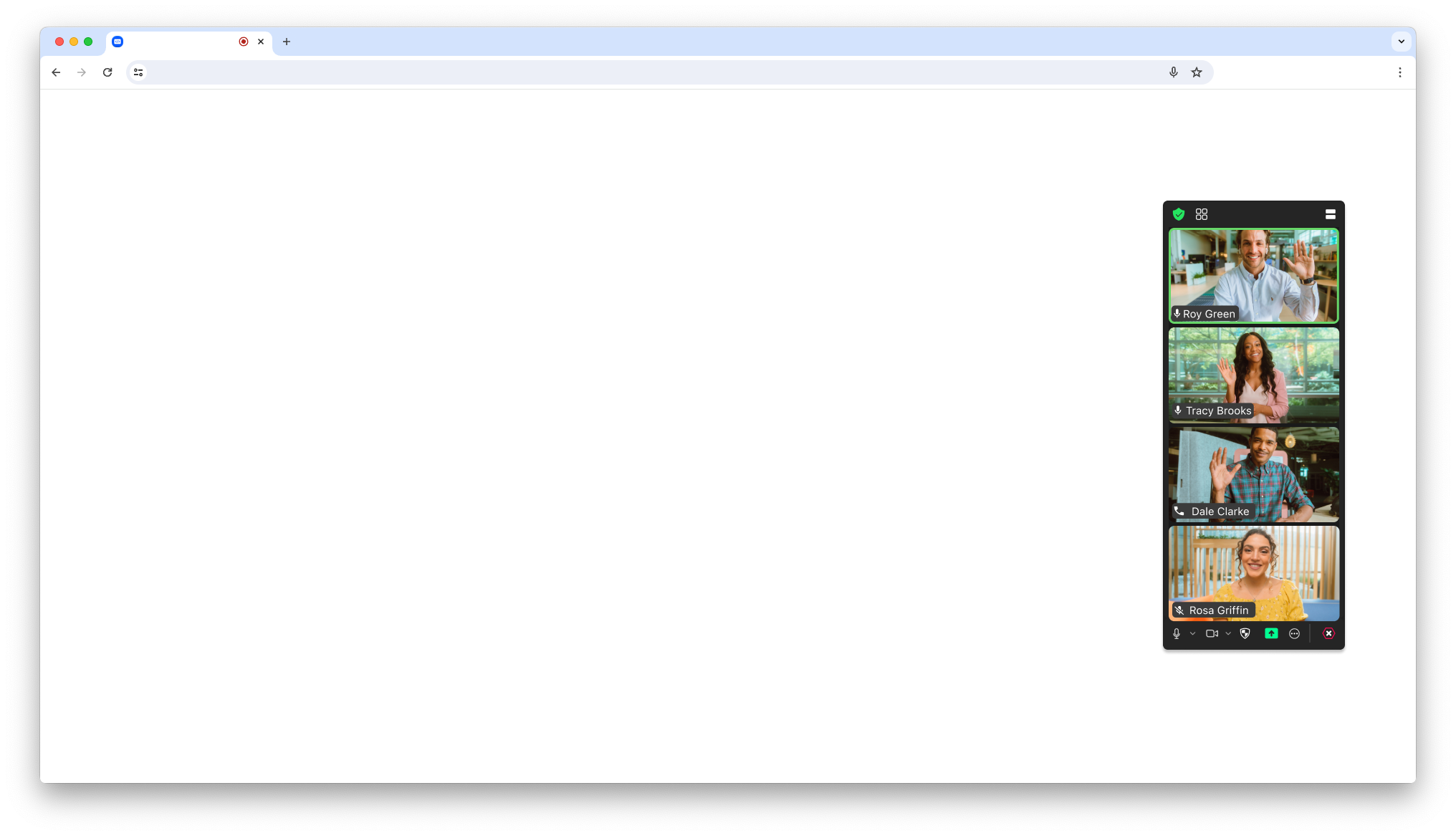
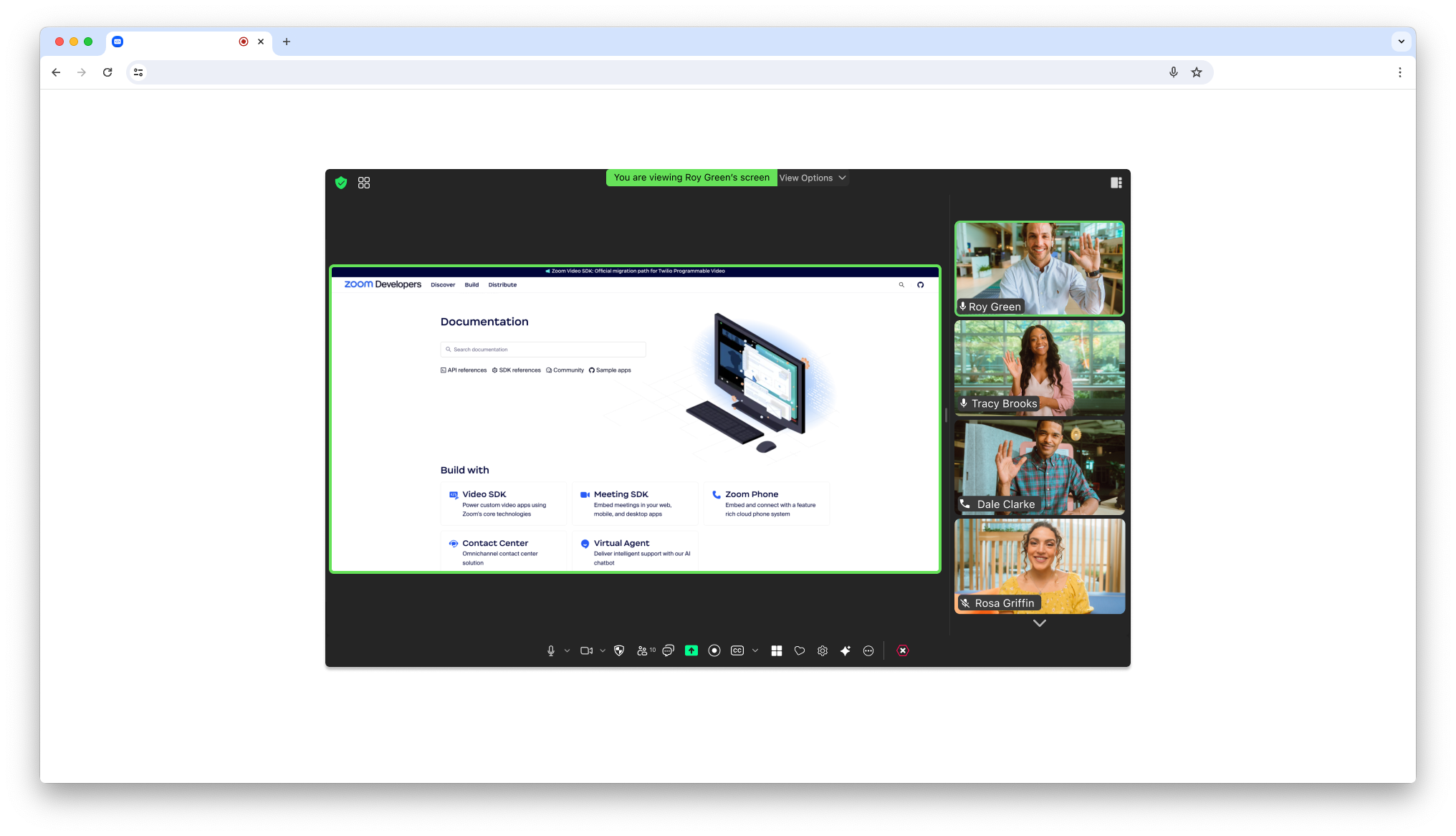
The component view provides the option to display the Meeting SDK for web in components on your page. This allows for a more flexible design. Component view is designed specifically for desktop browser use cases, not mobile environments. For mobile use cases, use client view.
Supported features
Component view supports core meeting functionality and may not include some features supported in client view. Contact Developer Support to request that component view support a client view feature critical to your success. See supported features for details.
Sample apps
See the following framework, authorization, and webhook samples.
- Meeting SDK for web sample
- Meeting SDK Angular sample
- Meeting SDK React sample
- Meeting SDK Vue.js sample
- Meeting SDK JavaScript sample
- Meeting SDK Auth Endpoint sample
- Webhook sample
Minimum version policy
We enforce a required minimum version of the Meeting SDK. See the SDK minimum version policy for details.