Primary (master) account APIs
Primary accounts (formerly referred to as master accounts) are Zoom accounts that manage one or more sub accounts. The terms primary and master may be used interchangeably throughout the documentation.
For example:
- A university may use a primary account to manage separate sub accounts for each department.
- An enterprise might use a primary account to manage business units that operate under different regulatory requirements.
- Zoom reseller and distributor technology partners can also be primary account holders.
Primary accounts have access to primary/master account APIs, which allow them to programmatically manage activities related to their sub accounts.
Primary account API access limitations
Primary account APIs can only be used to manage their own sub accounts. They cannot be used to access or manage other primary accounts.
Tiered account structures
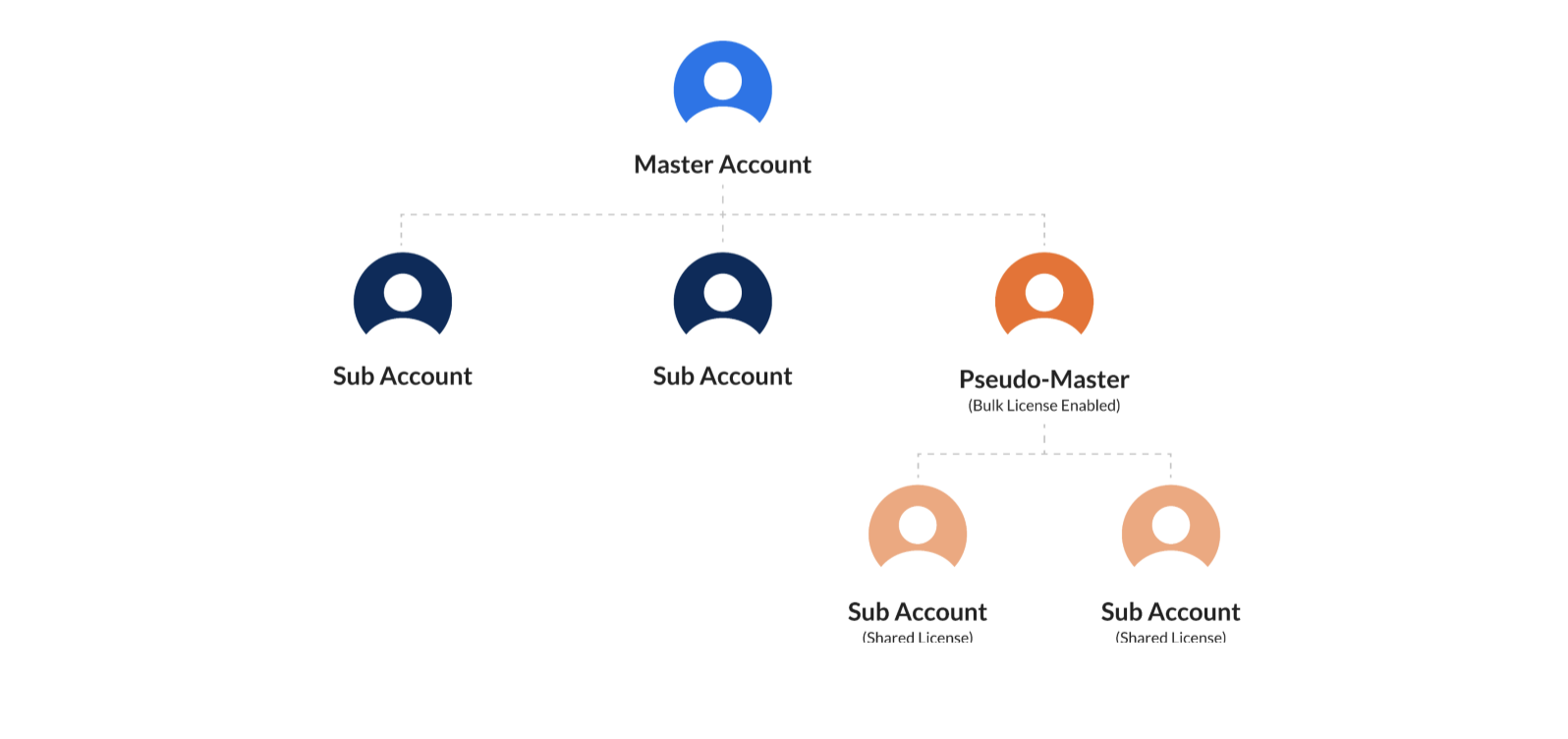
Zoom partners, such as resellers and distributors, can use primary accounts to provision two-tiered or three-tiered account structures:
- Two-tiered - A single primary account manages multiple sub accounts directly.
- Three-tiered - A top-level primary account manages one or more second-level primary accounts. Each second-level account can, in turn, provision and manage its own sub accounts.
For enrollment or business queries regarding reseller and distributor technology partner programs, email partner-success@zoom.us.
Using primary/master account APIs
Primary account API endpoints are prepended with /accounts/{accountId}. The request and response formats mirror those of standard Zoom APIs.
For example, a regular Zoom account uses the GET /users endpoint to list all of its users. In contrast, a primary account lists users in a sub account using the List users (GET /accounts/{accountId}/users) endpoint.
To call primary account API endpoints, the primary account must authenticate using one of the following:
- An OAuth token associated with a user under the primary account
- A Server-to-Server OAuth token
The primary account must have the Manage the sub account role enabled to access and manage sub account data via API. See Using role management and Managing Zoom sub accounts for details.
To get a sub account's accountId, use the Get account settings API and pass me as the accountId value.
Related References
- Zoom primary account APIs - In the sidebar, under Master accounts, click References, and choose a product to explore supported endpoints.
- Phone primary account API
- Video SDK primary account API
- Video SDK Account Plans